RECEIVED Stamp for PDF: Free PNG Downloads
By StampAPDF · Updated · How we write guides
Download a free RECEIVED stamp image below in red, blue, or black. Each PNG has a transparent background and is free for personal or business use.
A RECEIVED stamp records that a document reached you. It answers one question later: did this arrive, and did someone log it? The date of receipt is what makes the mark useful.
Download a free RECEIVED stamp PNG
Choose red, blue, or black. Each image is a 1,200 × 480 px PNG with a transparent background. No signup or email required.
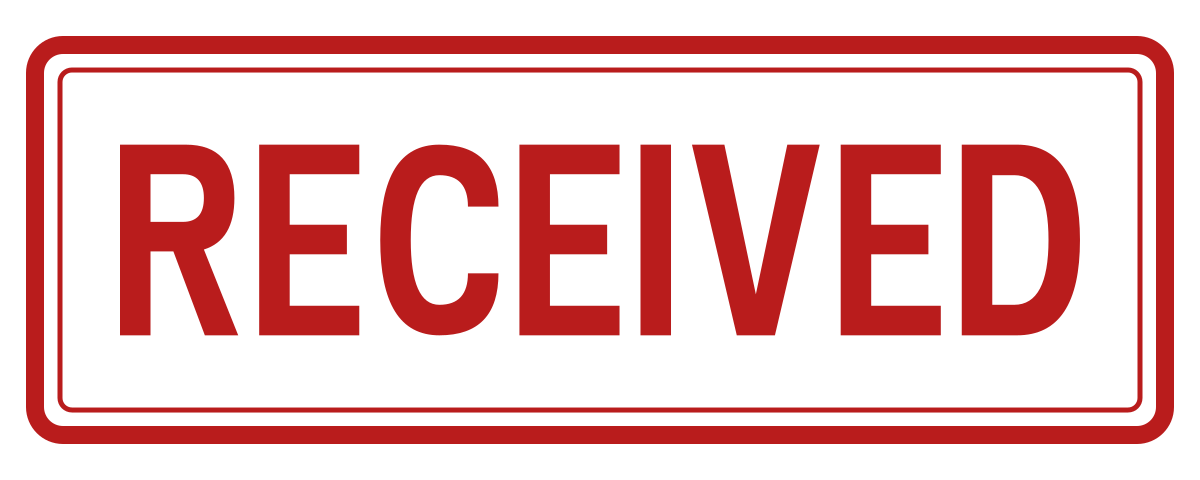
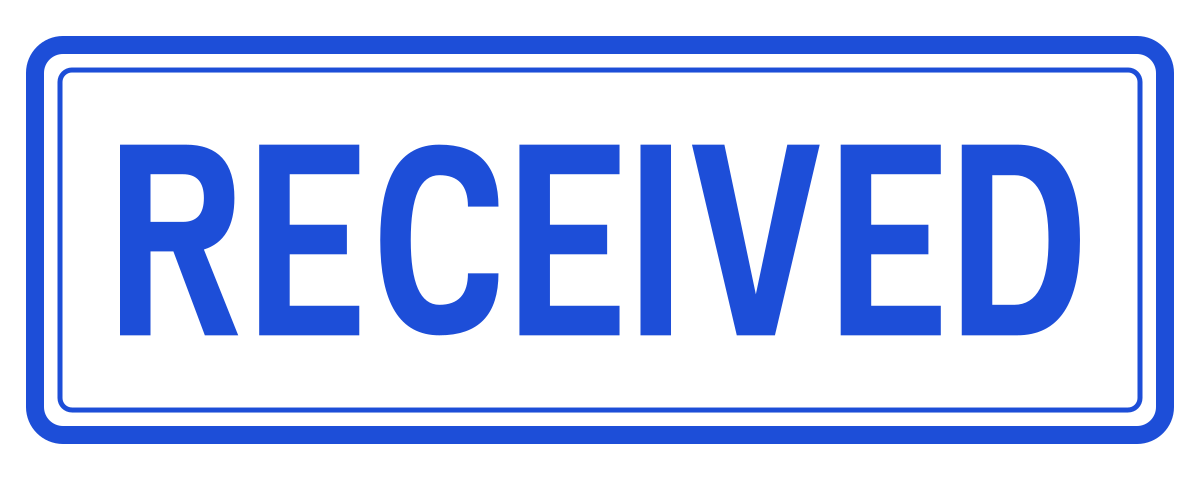
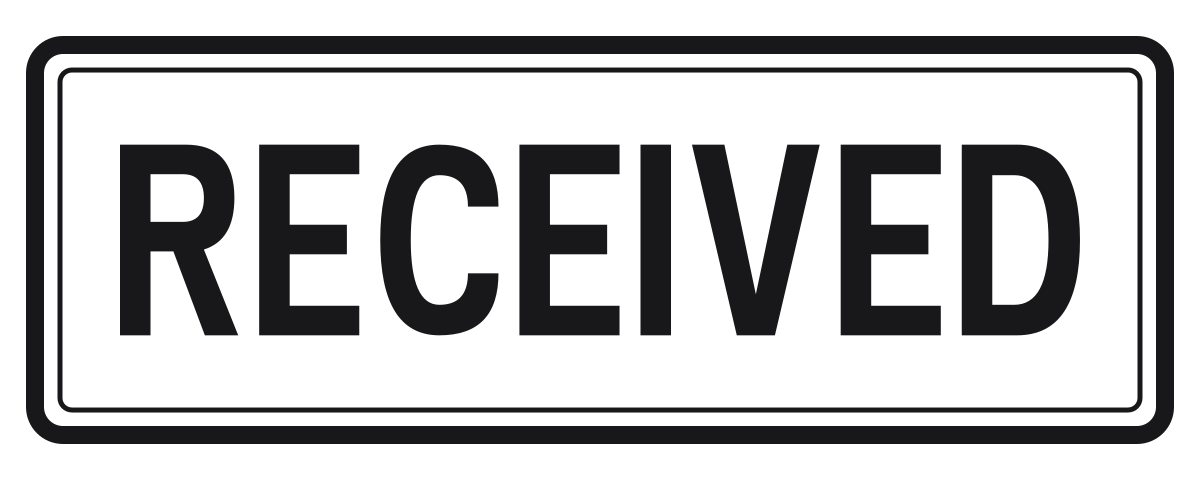
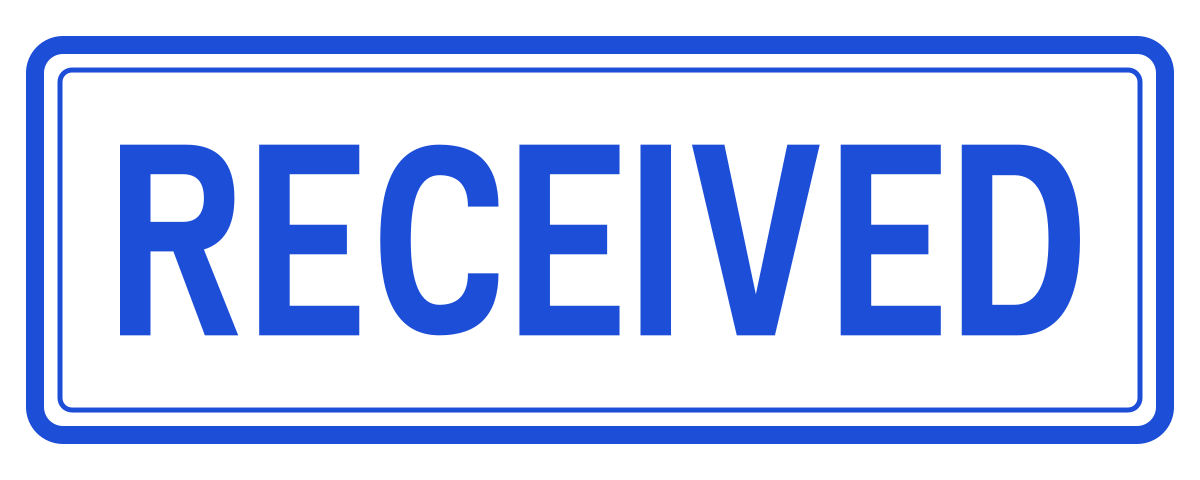
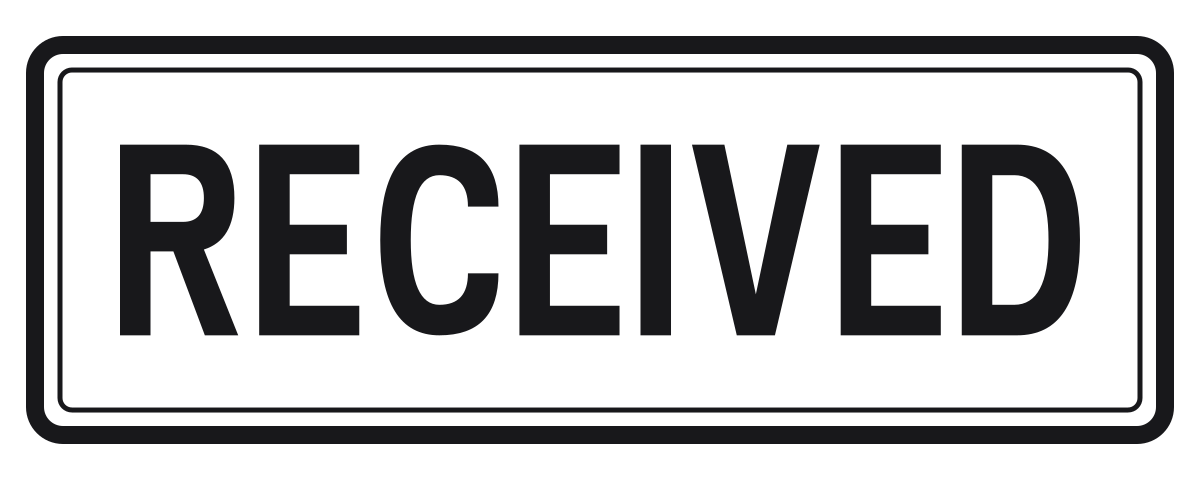
Created by StampAPDF. You may download, modify, and use these templates for personal or business documents without attribution.
When to use a RECEIVED stamp
- Supplier invoices: Stamp each invoice when it arrives, before approval and payment. The stamped copy shows where the payment period started.
- Applications and forms: Send the applicant a stamped copy as an acknowledgement that the form reached your office.
- Scanned post: Stamp scanned letters before you file or forward them, so the arrival date travels with the PDF.
- Delivery notes: Mark the note after you check the goods against it.
Where to put the stamp
- Use the top right corner of the first page. That is where most mailrooms put a receipt stamp.
- Do not cover the sender's reference number, the invoice date, or the address block.
- Put the date of receipt in the file name, for example invoice-1182-received-2026-11-11.pdf. The editor places images only and has no date field.
- If the date must show on the page, add it to a copy of the PNG in an image editor before you place it.
Add the RECEIVED stamp to a PDF
- Download one of the PNG files above.
- Open the Stamp & Sign tool and choose your PDF. The PDF is opened in your browser and is not uploaded.
- Select Use your own image on this device and pick the PNG. The image also stays on your device.
- Tap the page where the stamp belongs, or use Place in center. Drag the stamp, and resize it with the corner handle or the Stamp width slider.
- Choose Download stamped PDF. The new file has -stamped in its name, and the original is not changed.
What the stamp does not do
RECEIVED means the document arrived. It does not mean that you checked, accepted, or agreed to pay it. Use an APPROVED or PAID stamp for those later steps.
More free PDF stamps
The free PDF stamp library has every stamp on one page. These use the same size and the same three colors:
Frequently asked questions
▸Where can I get a RECEIVED stamp for a PDF for free?
Download one of the three free RECEIVED stamp PNGs on this page: red, blue, or black, each 1,200 × 480 pixels with a transparent background. No signup or email is needed.
▸Can the RECEIVED stamp show the date?
The PNG shows the word only. The editor places images and has no date field. Add the date to a copy of the PNG in an image editor, or put the date in the file name of the stamped PDF.
▸How do I add a RECEIVED stamp to a PDF?
Download the PNG, open Stamp & Sign, and choose your PDF. Select Use your own image on this device and pick the PNG. Tap the top right of the first page, resize the stamp, then choose Download stamped PDF.
▸Does RECEIVED mean the invoice is accepted?
No. It records arrival only. Approval and payment are separate steps, and each can have its own stamp.