PAID Stamp for PDF: Free PNG Downloads
By StampAPDF · Updated · How we write guides
Download a free PAID stamp image below in red, blue, or black. Each PNG has a transparent background and can be used on personal or business documents. Then open your PDF in the Stamp & Sign tool, add the PNG to the library, click to place it, and download a stamped copy.
If your question is specifically about marking invoices settled — where to place the stamp, what to send the customer, how to file the copies — go straight to How to stamp PAID on an invoice.
Download a free PAID stamp PNG
Choose red, blue, or black. Each image is a 1,200 × 480 px PNG with a transparent background, ready for invoices and receipts. No signup or email required.
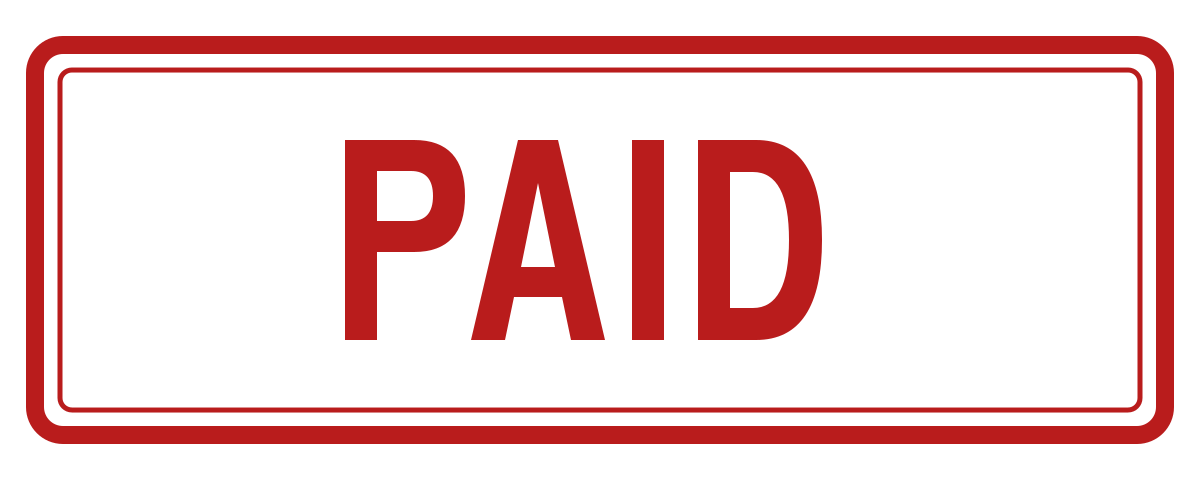
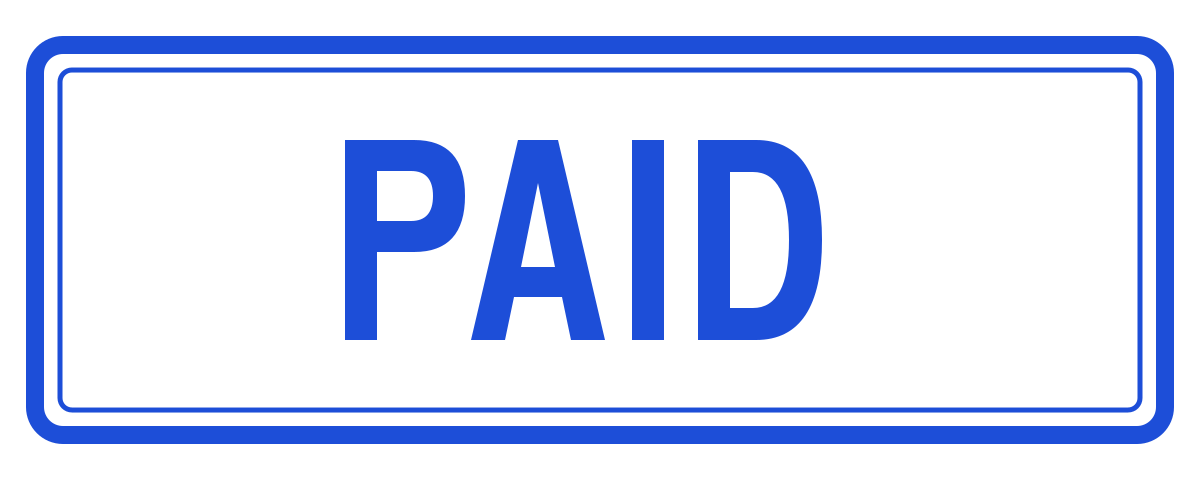
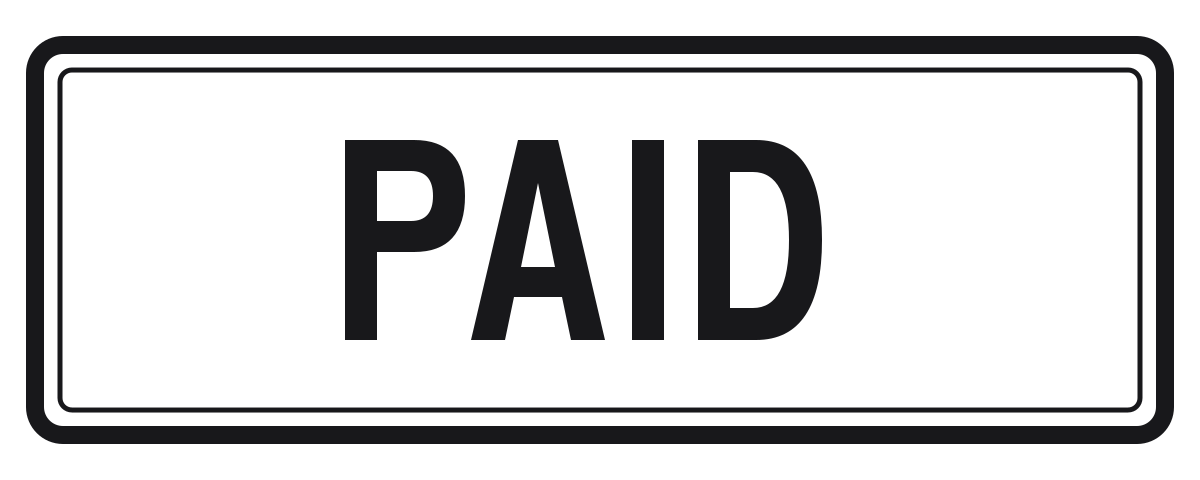
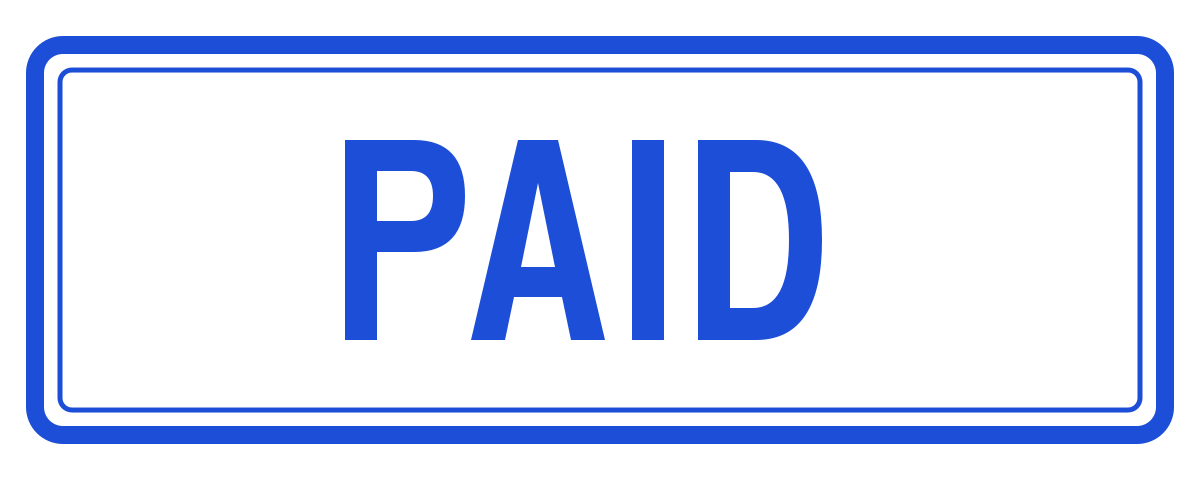
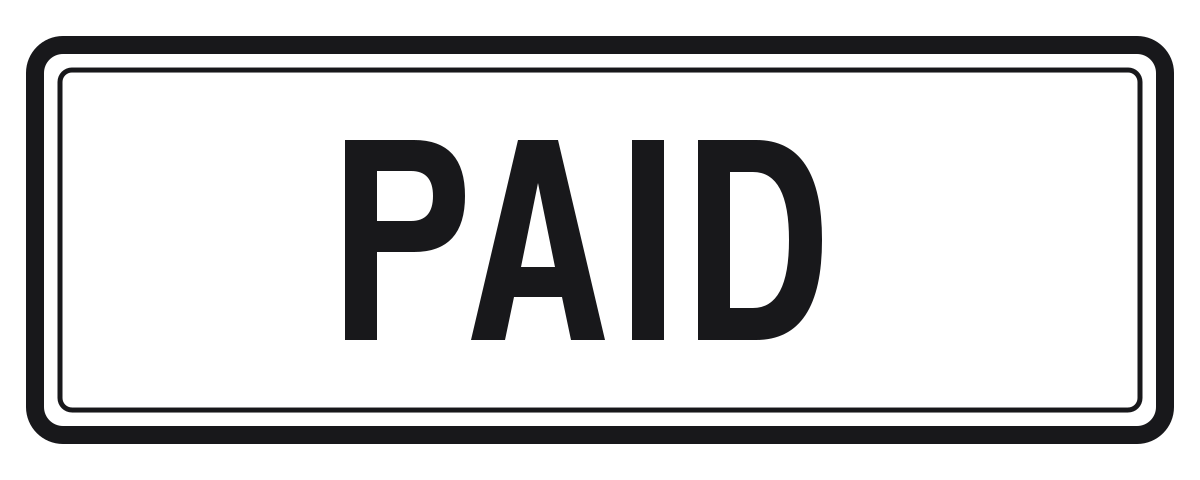
Created by StampAPDF. You may download, modify, and use these three templates for personal or business documents without attribution. A PAID label records a status you have checked; it does not verify payment.
Next: open Stamp & Sign, choose your PDF, then use + Add to save the downloaded PNG to your stamp library. The PDF stays on your device; images saved to the library are uploaded for reuse. See how the library works.
Does a PAID stamp upload my invoice?
The PDF opens and is edited in your browser. Only an image you add to the reusable stamp library is uploaded and saved on StampAPDF. You can delete that image from the library. The PDF is never sent to our server. See the privacy policy for details.
What a good PAID stamp looks like
Rubber-stamp conventions exist because they work, and the digital version should follow them:
- The word PAID in capitals, in a heavy bold typeface. Condensed sans-serifs and stencil styles read most like a real stamp.
- Red. It is instantly recognizable in a stack of documents, and it still prints as a strong dark mark on a black-and-white printer.
- A border— a rounded rectangle or a double line around the word is what separates "stamp" from "someone typed PAID on my invoice".
- A slight angle. Rotate the whole stamp roughly 10 to 15 degrees. Perfectly level marks look pasted on; a small tilt reads as stamped.
- Optional second line for the date and payment method, in smaller text under the main word.
Make a custom stamp instead
- Type it (fastest): in PowerPoint, Google Slides, Canva, or any image editor, type PAID, make it bold red, draw a rounded-rectangle border around it, rotate the group about 15°, and export as PNG. Choose a transparent background if the export dialog offers one.
- Photograph your real rubber stamp: press it on clean white paper, photograph it straight-on in good light, and crop tight to the ink. This instantly matches your existing paper trail, which bookkeepers appreciate.
- Start with our template: download a PNG above and add a date or payment reference in your image editor. Keep a copy without a date for future invoices.
Whichever route you take, aim for a transparent PNG cropped close to the ink. The stamp tool scales anything longer than 1,200 pixels down on its longest edge, so there is no need for a huge file.
Apply the stamp to any PDF
- Open the Stamp & Sign tool and load your PDF. The document is processed in your browser and never uploaded.
- Click + Add and choose your PAID stamp image. It is saved to your library for next time.
- Click the thumbnail, then click the spot on the page where the stamp belongs, in blank space near the total without covering any numbers.
- Drag to fine-tune, resize from the corner handle so the stamp is bold without hiding the numbers, and click Download stamped PDF.
The download is a new file with -stamped added to the name, so your original stays untouched. To mark every page of a longer document rather than one spot, see How to stamp all pages of a PDF.
Build the rest of the set
The same recipe produces every stamp a small office actually uses: RECEIVED for incoming paperwork, APPROVED for sign-offs, COPY for duplicates, OVERDUE for chasing, and VOID for cancellations. Make each one once, keep them all in the library, and any document is one click from marked. Pair them with a signature from the signature generator when a document needs both an approval mark and a name.
Frequently asked questions
▸Where can I get a PAID stamp for a PDF for free?
Download one of the three free PAID stamp PNGs on this page: red, blue, or black, each 1,200 × 480 pixels with a transparent background. No signup or email is needed. Open Stamp & Sign, choose your PDF, add the PNG to the library, place it on the invoice, and download the stamped copy.
▸What should a PAID stamp say?
At minimum the word PAID in capitals. Many businesses add a second, smaller line with the payment date and method, such as 'PAID — 12 Aug 2026, bank transfer', because it answers the questions a customer or an auditor would otherwise ask. If you include a date, keep a base PAID stamp and add the date as a separate smaller stamp so you are not redrawing the image every month.
▸How do I put the PAID stamp on my PDF?
Open the stamp tool, click + Add and choose your stamp image, then click the thumbnail and click the spot on the page where the stamp belongs. Drag it to adjust, resize it from the corner handle, and download the stamped copy. The PDF is processed in your browser and never uploaded.
▸Can I reuse the same PAID stamp on future PDFs?
Yes. A stamp image saved to the library is uploaded and linked to a private token in your browser's cookies. It stays available on later visits in that browser. Clearing cookies or using another device starts a separate library, so keep the downloaded PNG. The PDF itself is processed on your device.
▸Can I use these PAID stamp downloads on business invoices?
Yes. StampAPDF created these three templates and permits personal and business use, modification, and use without attribution. They are plain status labels, not official seals or proof that a payment was received.
▸Does the stamp image need a transparent background?
It should have one. A transparent PNG lets the red ink sit directly on the invoice without a white rectangle covering nearby text. A JPG works too — the tool accepts it — but JPG cannot store transparency, so export as PNG whenever the editor offers it.
Ready to try it yourself?
Free, no signup. Your PDF stays on your device.
Add a PAID stamp to a PDF — free