VOID Stamp for PDF: Free PNG Downloads
By StampAPDF · Updated · How we write guides
Download a free VOID stamp image below in red, blue, or black. Each PNG has a transparent background, so the document under the stamp stays readable.
A VOID stamp shows that a document must not be used. Put it on an invoice you cancelled, a check you spoiled, or a quote that is no longer valid, so nobody pays, cashes, or signs the wrong file.
Download a free VOID stamp PNG
Choose red, blue, or black. Each image is a 1,200 × 480 px PNG with a transparent background. No signup or email required.
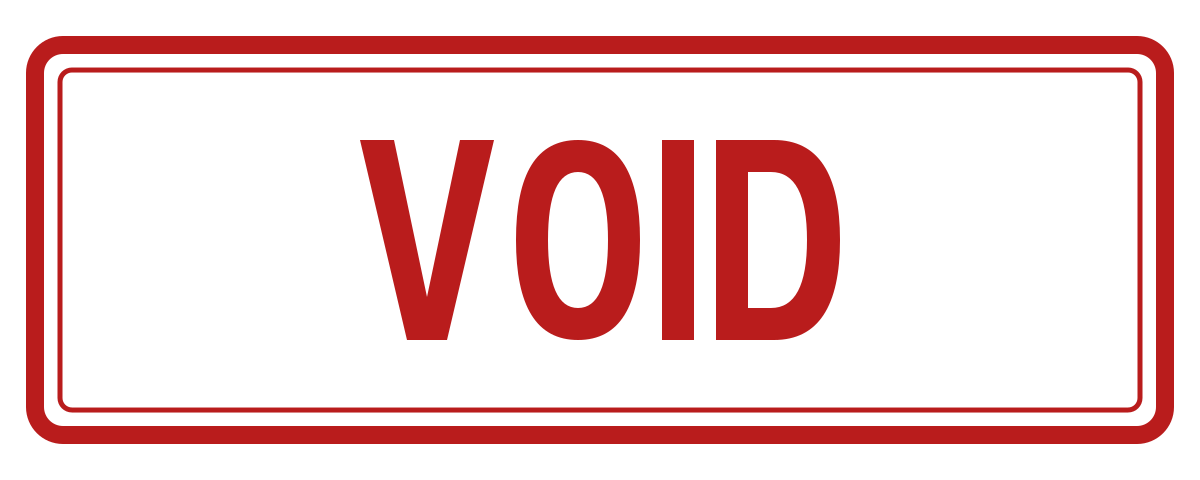
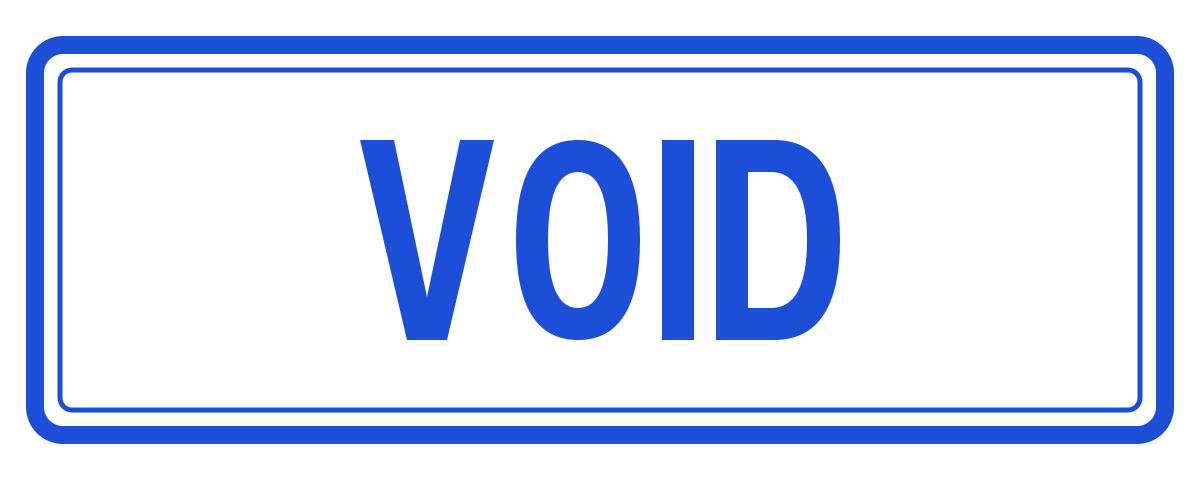
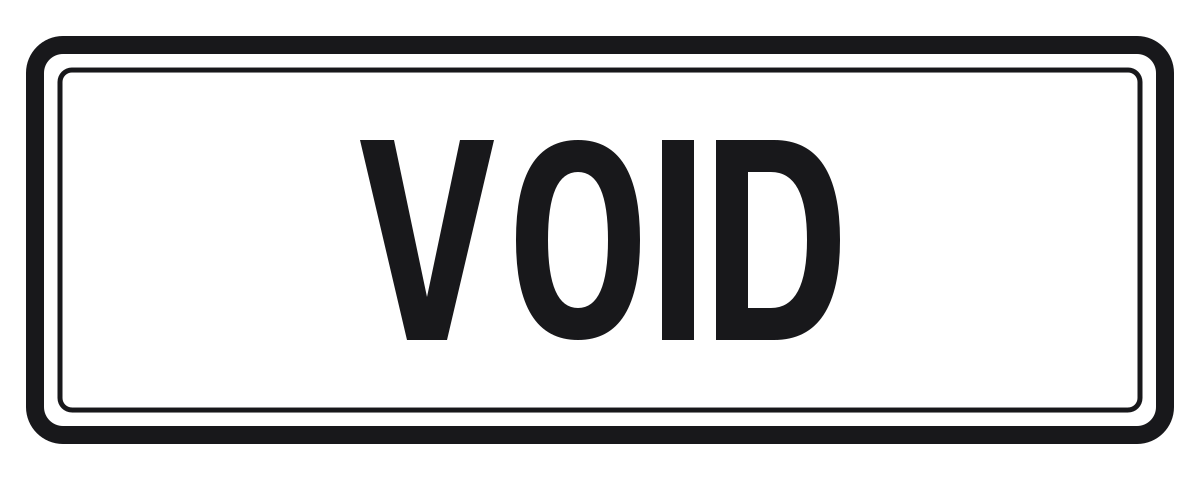
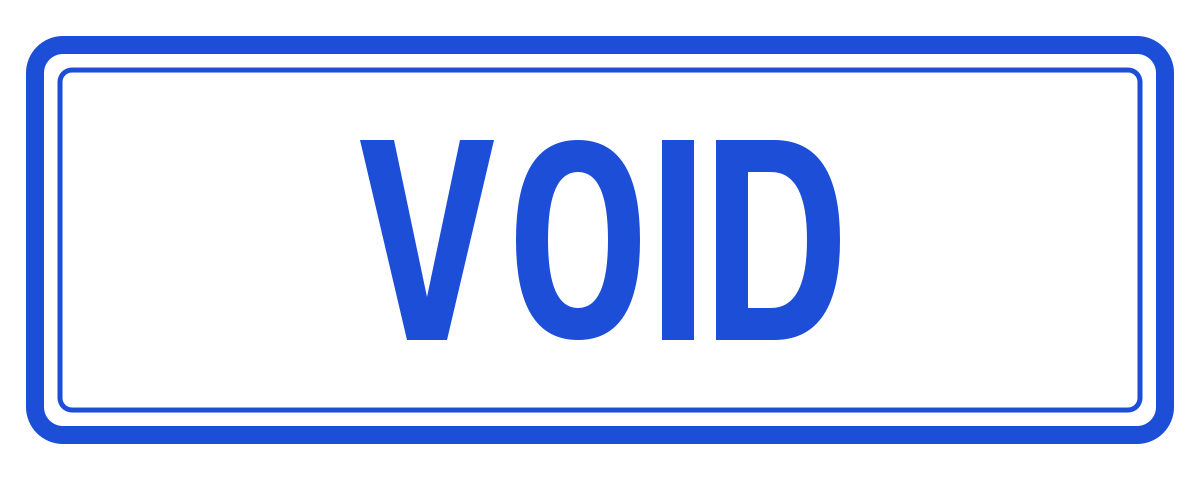
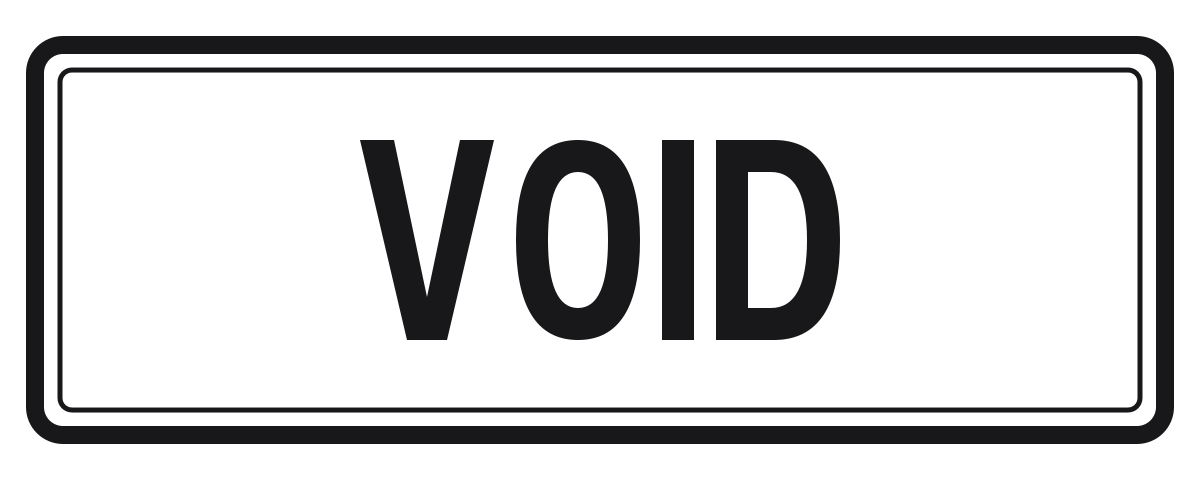
Created by StampAPDF. You may download, modify, and use these templates for personal or business documents without attribution.
When to use a VOID stamp
- Cancelled invoices: Stamp the invoice you issued in error, or the one a customer will not be billed for, then send the stamped copy and keep it in the payment file. A clean second copy can be entered and paid as if it were still due.
- Spoiled or unused checks: Stamp a PDF copy of a check you will not issue, or a scan of a paper check you have already voided, so the image in your records cannot be treated as a usable check.
- Withdrawn quotes and contracts: Mark a proposal or draft agreement that is no longer on offer, so a later reader does not accept terms you have withdrawn.
- Forms filled in error: Stamp a form that was completed with the wrong details before you issue a corrected version.
Where to put the stamp
- Put the stamp across the face of the document, large enough that it cannot be missed or cropped off. A slight angle, about 10 to 15 degrees, reads as a real stamp.
- Keep the document number, the date, and the amount visible. Later you need to see which invoice or check was voided and for how much.
- Use red when you can. It is the color most people expect for VOID, and it still prints as a dark mark on a black-and-white printer.
- Stamp every page that could be printed or forwarded alone, especially a payment page or a signature page.
Add the VOID stamp to a PDF
- Download one of the PNG files above.
- Open the Stamp & Sign tool and choose your PDF. The PDF is opened in your browser and is not uploaded.
- Select Use your own image on this device and pick the PNG. The image also stays on your device.
- Tap the page where the stamp belongs, or use Place in center. Drag the stamp, and resize it with the corner handle or the Stamp width slider.
- Choose Download stamped PDF. The new file has -stamped in its name, and the original is not changed.
Mark every page instead
A stamp marks one spot on one page. For a multi-page contract or a long invoice pack, a VOID text mark across every page is safer, because no page can be separated from the warning. Use the watermark tool for that, or read How to stamp all pages of a PDF.
What the stamp does not do
The stamp is a visual label on this file. It does not cancel a charge in your accounting system, stop a bank payment, or revoke a contract on its own. Record the cancellation in the system you actually use to bill, pay, or sign, and keep the stamped PDF as the copy you send and file.
More free PDF stamps
The free PDF stamp library has every stamp on one page. These use the same size and the same three colors:
Frequently asked questions
▸Where can I get a VOID stamp PNG for a PDF for free?
Download one of the three free VOID stamp PNGs on this page: red, blue, or black, each 1,200 × 480 pixels with a transparent background. No signup or email is needed.
▸How do I add a VOID stamp to a PDF?
Download the PNG, open Stamp & Sign, and choose your PDF. Select Use your own image on this device and pick the PNG. Tap the page to place the stamp, make it large enough to see, then choose Download stamped PDF.
▸Does a VOID stamp cancel an invoice or a check?
No. It marks this PDF so a person who opens it can see the document must not be used. You still need to cancel or void the item in your billing, banking, or accounting records.
▸What is the difference between VOID and CANCELLED?
On business documents they are often used the same way: the document is not valid. VOID is the wording banks and accounts teams expect on checks and invoices. CANCELLED is also clear. Pick one word and use it consistently.
▸Should I use VOID or PAID?
Use PAID when the amount has been settled. Use VOID when the document should not be paid, cashed, or relied on. Do not put both marks on the same file.